 Desk
Desk



















01
Remote control
See the other computer’s screen and use its mouse and keyboard to help from a distance.
CLOSER, WHEREVER YOU ARE
Help someone, access your PC and share files. Connect your Windows computers with a simple, free tool.
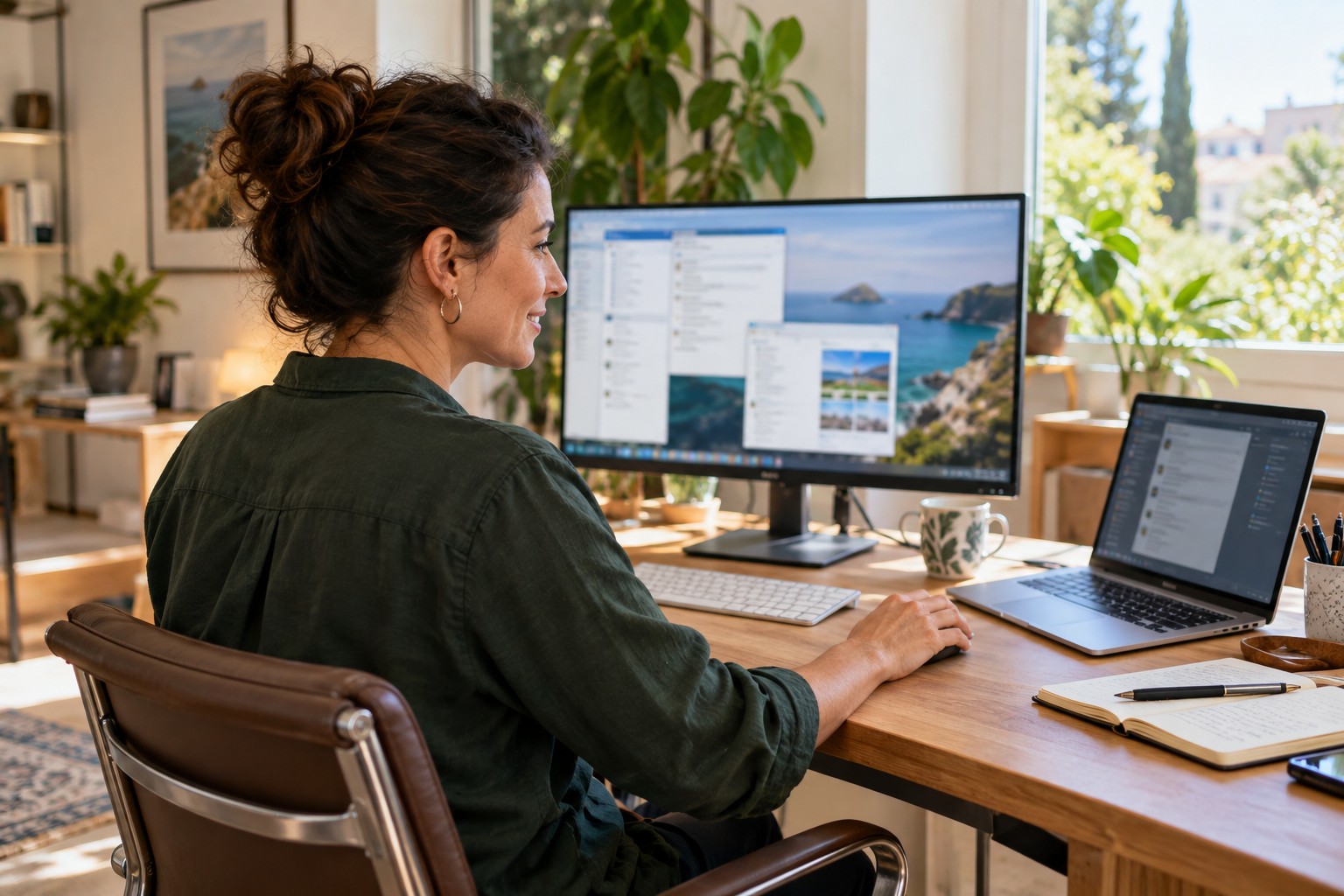
From a quick question to unfinished work. Your desktop, wherever you need it.
See the other computer’s screen and use its mouse and keyboard to help from a distance.
Send and download files. Create folders, rename items and view their properties in a two-panel browser.
Set a password on your computer to connect when nobody is sitting in front of it.
DESKSPIDER, 1 · 2 · 3
Download DeskSpider.exe and open it on both computers. No installation is needed for occasional help.
The person receiving help shares their 9-digit ID and connection password with someone they trust.
Accept the request and start the session. You can end it from the computer receiving help.
DESKSPIDER 1.1.23 CAPABILITIES
One executable for supporting Windows computers, using a direct connection where possible and our own relay when the network requires it.
WINDOWS
Some antivirus products may ask you to add DeskSpider as a trusted application.
A licence for one technician does not always offer the same capacity. Compare users, concurrent connections and costs before choosing a remote support solution.
| Feature | DeskSpider | AnyDesk Solo | TeamViewer Free |
|---|---|---|---|
| Compared plan | DeskSpider 1.1.23 | AnyDesk Solo | TeamViewer Free / commercial licence |
| Professional / commercial use | Yes | Yes | Not with Free; a paid commercial licence is required |
| Technicians / users | 1 technician in this example | 1 user; maximum 1 Solo licence per organisation | 1 personal-use user; non-commercial |
| Concurrent connections | 3 for one technician | 1; not scalable on Solo | Free: personal use; no equivalent professional capacity published |
| Connection duration | No limit | No licence duration limit published | No limit listed in the Free feature sheet consulted |
| Devices to connect from | No licence limit published | 3 registered devices | Personal use; Free sheet does not specify a source-device limit |
| Remote / managed devices | Unlimited | Unlimited interactive devices; up to 100 managed | Up to 3 managed devices; unlimited devices to connect to for personal use |
| Unattended access | Yes | Yes | Yes; up to 3 managed devices on Free |
| Expand to 3 connections | 3 included for one technician | Standard + 2 additional connections | Free is not for professional use; commercial licence / enquire about configuration |
| Compared plan price | Free (activation key included) | Solo: USD 28.90/month equivalent; billed annually | Free — personal use only. Professional use requires a commercial licence |
| Cost for 3 connections | Included, no extra cost | Standard + 2 add-ons: USD 109.70/month equivalent; USD 1,316.40/year* | Contact sales for a commercial quote |
* Based on published AnyDesk Standard pricing: USD 49.90/month for 1 channel + 2 additional connections at USD 29.90/month each = USD 109.70/month equivalent and USD 1,316.40/year. Billed annually, excluding tax and temporary promotions; the published 20% discount applies to the base licence for the first year, not add-ons.
One technician. Up to three clients at once.With DeskSpider, you can keep up to three remote sessions open at once, with no duration limit. While a longer task is running, you can help another client.
Pricing and licence information verified on 25 September 2026. Prices and terms may change.
Official sources: AnyDesk pricing · AnyDesk concurrent connections · AnyDesk licences · TeamViewer Free features · TeamViewer definition of commercial use · TeamViewer EULA · TeamViewer plans and pricing
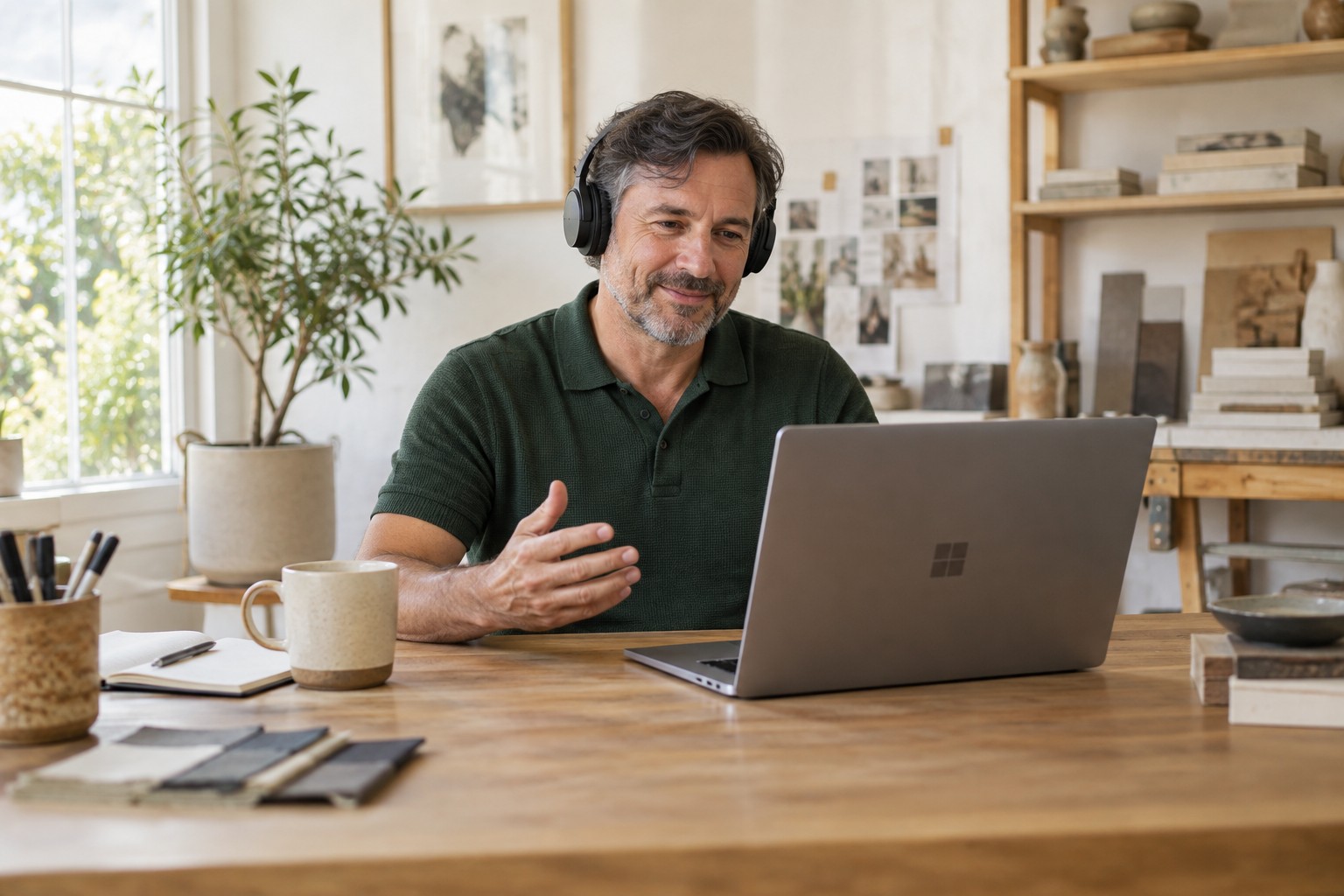
YOU CHOOSE WHO CONNECTS
You don’t always have to be there to solve a problem or guide someone. Share your ID only with people you trust and end the session when you’re done.
Read the terms of useYes, DeskSpider is free to download and use. To provide support, the app requests an activation key; contact us to request one. Activation does not require a paid licence. Receiving help does not require a key.
For occasional help, open DeskSpider.exe. To keep it ready, use “Install on this computer” inside the app.
This download is for 64-bit Windows. It is not a version for macOS, Linux, mobile devices or 32-bit Windows. Both computers need an Internet connection.
Yes, after setting up unattended access with a password. Installation lets you enable the Windows service for access without signing in.
Assisted sessions require approval. Unattended access uses a password and temporarily blocks access after repeated incorrect attempts.
Email fexsolutions@fexsolutions.com. Mention DeskSpider and explain what you need. Never send passwords.
DESKSPIDER · WINDOWS
Download DeskSpider and keep things simple.