 Desk
Desk


















01
التحكم عن بُعد
شاهد شاشة الجهاز الآخر واستخدم الفأرة ولوحة المفاتيح للمساعدة عن بُعد.
قريبون أينما كنت
ساعد شخصًا، أو ادخل إلى جهازك، أو شارك الملفات. اربط أجهزة Windows بسهولة ومجانًا.
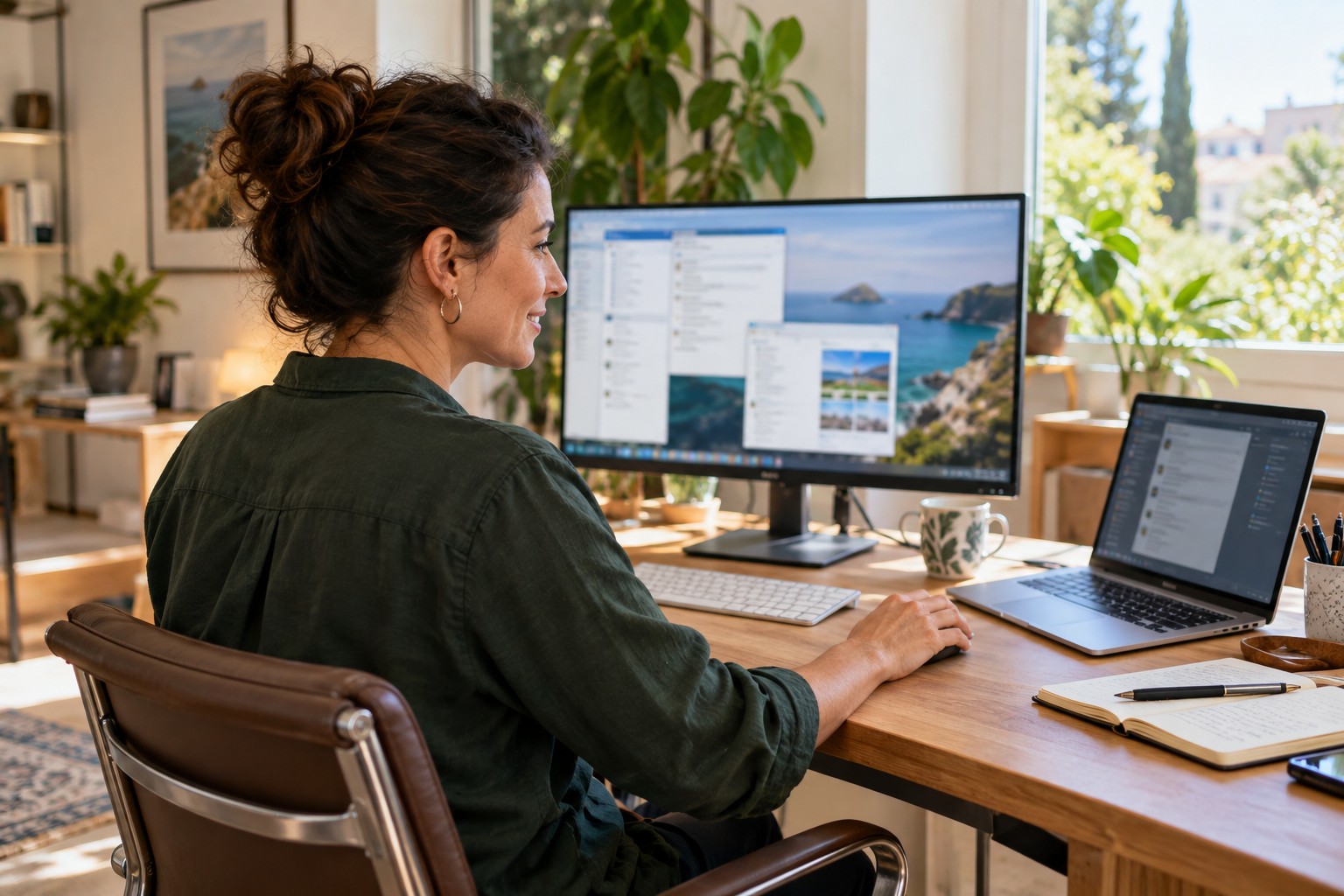
من سؤال سريع إلى مهمة معلّقة، جهازك متاح حيث تحتاج إليه.
شاهد شاشة الجهاز الآخر واستخدم الفأرة ولوحة المفاتيح للمساعدة عن بُعد.
أرسل الملفات ونزّلها وأنشئ المجلدات وأعد تسمية العناصر.
عيّن كلمة مرور للاتصال عندما لا يجلس أحد أمام الكمبيوتر.
DESKSPIDER, 1 · 2 · 3
نزّل DeskSpider.exe وافتحه على الجهازين. لا يلزم التثبيت للمساعدة العارضة.
يشارك متلقي المساعدة معرّفه المؤلف من 9 أرقام وكلمة مرور الاتصال مع شخص يثق به.
اقبل الطلب وابدأ الجلسة. ويمكن إنهاؤها من الجهاز الذي يتلقى المساعدة.
إمكانات DESKSPIDER 1.1.23
ملف تنفيذي واحد لمساعدة أجهزة Windows، باتصال مباشر عند الإمكان ومرحّلنا الخاص عند الحاجة.
WINDOWS
قد تطلب بعض برامج مكافحة الفيروسات إضافة DeskSpider كتطبيق موثوق.
قارن المستخدمين والاتصالات المتزامنة والتكاليف قبل اختيار حل الدعم عن بُعد.
| الميزة | DeskSpider | AnyDesk Solo | TeamViewer Free |
|---|---|---|---|
| Compared plan | DeskSpider 1.1.23 | AnyDesk Solo | TeamViewer Free / commercial licence |
| Professional / commercial use | Yes | Yes | Not with Free; a paid commercial licence is required |
| Technicians / users | 1 technician in this example | 1 user; maximum 1 Solo licence per organisation | 1 personal-use user; non-commercial |
| Concurrent connections | 3 for one technician | 1; not scalable on Solo | Free: personal use; no equivalent professional capacity published |
| Connection duration | No limit | No licence duration limit published | No limit listed in the Free feature sheet consulted |
| Devices to connect from | No licence limit published | 3 registered devices | Personal use; Free sheet does not specify a source-device limit |
| Remote / managed devices | Unlimited | Unlimited interactive devices; up to 100 managed | Up to 3 managed devices; unlimited devices to connect to for personal use |
| Unattended access | Yes | Yes | Yes; up to 3 managed devices on Free |
| Expand to 3 connections | 3 included for one technician | Standard + 2 additional connections | Free is not for professional use; commercial licence / enquire about configuration |
| Compared plan price | Free (activation key included) | Solo: USD 28.90/month equivalent; billed annually | Free — personal use only. Professional use requires a commercial licence |
| Cost for 3 connections | Included, no extra cost | Standard + 2 add-ons: USD 109.70/month equivalent; USD 1,316.40/year* | Contact sales for a commercial quote |
* Based on published AnyDesk Standard pricing: USD 49.90/month for 1 channel + 2 additional connections at USD 29.90/month each = USD 109.70/month equivalent and USD 1,316.40/year. Billed annually, excluding tax and temporary promotions; the published 20% discount applies to the base licence for the first year, not add-ons.
فني واحد، ومساعدة ثلاثة عملاء في الوقت نفسه.يمكن تشغيل ما يصل إلى ثلاث جلسات عن بُعد بالتوازي في DeskSpider دون حد زمني.
Pricing and licence information verified on 25 September 2026. Prices and terms may change.
Official sources: AnyDesk pricing · AnyDesk concurrent connections · AnyDesk licences · TeamViewer Free features · TeamViewer definition of commercial use · TeamViewer EULA · TeamViewer plans and pricing
أنت تختار من يتصل
لا يلزم أن تكون بجانب الشخص لحل المشكلة. شارك المعرّف مع أشخاص تثق بهم فقط وأنهِ الجلسة بعد الانتهاء.
اقرأ شروط الاستخدامنعم، التنزيل والاستخدام مجانيان. ومفتاح التفعيل لمقدم المساعدة مجاني أيضًا؛ ولا يحتاج متلقي المساعدة إلى مفتاح.
للمساعدة العارضة، افتح DeskSpider.exe.
هذا الإصدار لنظام Windows 64 بت. يحتاج الجهازان إلى اتصال بالإنترنت.
نعم، بعد إعداد الوصول دون حضور باستخدام كلمة مرور.
تتطلب جلسات المساعدة موافقة. وتُحظر المحاولات مؤقتًا بعد إدخال كلمات مرور خاطئة عدة مرات.
راسل fexsolutions@fexsolutions.com واذكر DeskSpider. لا ترسل كلمات المرور مطلقًا.
DESKSPIDER · WINDOWS
نزّل DeskSpider وابدأ بسهولة.